

AI is no longer a “nice-to-have” in graphic design workflows—it’s becoming the invisible co‑designer that handles grunt work, sparks concepts on demand, and lets you iterate visuals at a speed that would have been impossible a few years ago. In this article, we’ll unpack seven standout AI tools every modern graphic designer should know, how they actually fit into real projects, and what you’ll pay to use them.
1. Adobe Firefly – The AI Engine Behind Creative Cloud
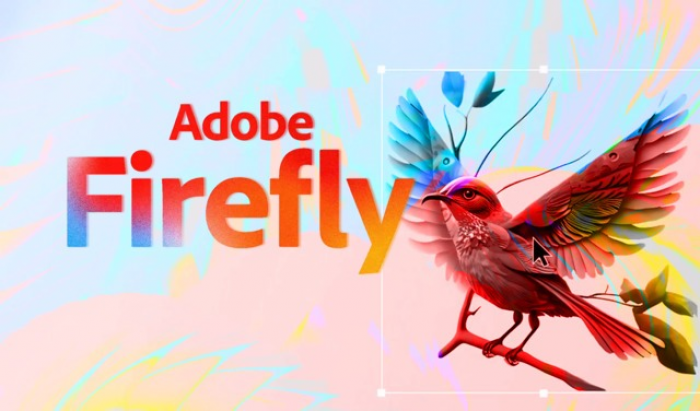
Adobe Firefly is the generative AI layer baked into Photoshop, Illustrator, Express, and other Creative Cloud apps, powering features like Generative Fill, text‑to‑image, and vector generation. Instead of being a separate platform, Firefly lives inside the tools designers already use, which keeps your entire visual workflow in one ecosystem.
A major reason agencies and brands are gravitating to Firefly is Adobe’s training data policy: Firefly models are trained on Adobe Stock, openly licensed content, and public domain material, which significantly reduces IP risk for commercial work. This focus on “commercially safe” outputs matters when you’re creating packaging, campaigns, or brand assets that must be legally defendable.
On a practical level, Firefly dramatically accelerates tasks like extending canvases, generating on‑brand variations, creating product mockups, or ideating hero visuals from text prompts directly inside Photoshop or Express. You can move from rough copy to fully realized creative concepts in minutes, then refine with familiar Adobe tools instead of juggling exports between apps.
Adobe Firefly pricing
| Plan | Key details | Approx. price* |
| Free / included | Limited generative credits bundled in many Creative Cloud plans.adobe+1 | Often included |
| Firefly Standard | Standalone subscription focused on AI image/vector/video generation, with around 2,000 generative credits per month.adobe+1 | About $9.99/month |
| Higher tiers | Pro/Premium tiers with more credits and expanded usage for heavy creative production teams.adobe+1 | From $29.99+/month. |
2. Canva Magic Studio – All‑in‑One AI Design for Non‑Designers and Pros
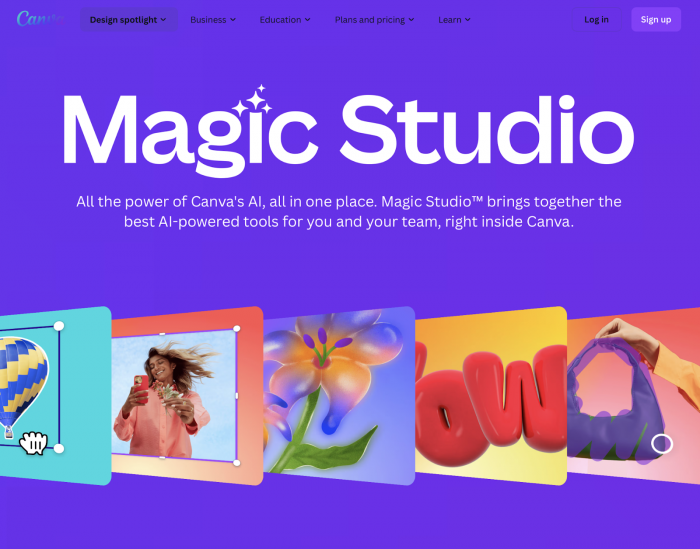
Canva’s Magic Studio layers powerful AI on top of its drag‑and‑drop editor, making it possible for marketers, founders, and designers to spin up complete visual campaigns with minimal friction. From a single interface, you can generate layouts, images, presentations, social posts, and even short videos driven by text prompts.
Magic Media and Magic Design are the workhorses here: you can describe the kind of graphic you need and Canva will propose full designs with typography, color palettes, and imagery already aligned. Inside the editor, AI tools handle background removal, style matching, instant resizing for multiple platforms, and one‑click content adaptation across formats.
Under the hood, Canva relies on models like GPT‑4 to orchestrate multimodal workflows, which is why users can jump between text, image, and video tasks without feeling like they’re wrangling separate tools. This makes it especially effective for social media teams and solo creators who need high‑volume, consistent designs but don’t want the complexity of pro‑grade software.
Canva (with Magic Studio) pricing
| Plan | Key details (2026) | Approx. price* |
| Free | Core design editor plus limited Magic Studio usage; good for casual creators and testing AI features.YouTube | $0 |
| Pro | Full access to Magic Studio tools for individuals, larger brand kit, and premium assets.YouTube | Commonly around $12–$15/user/month (varies by region) |
| Teams | Collaboration features, brand controls, and higher usage limits aimed at design and marketing teams. | Scales per user; typically slightly higher per seat |
3. Midjourney – High‑Fidelity Concept and Key Visual Generation
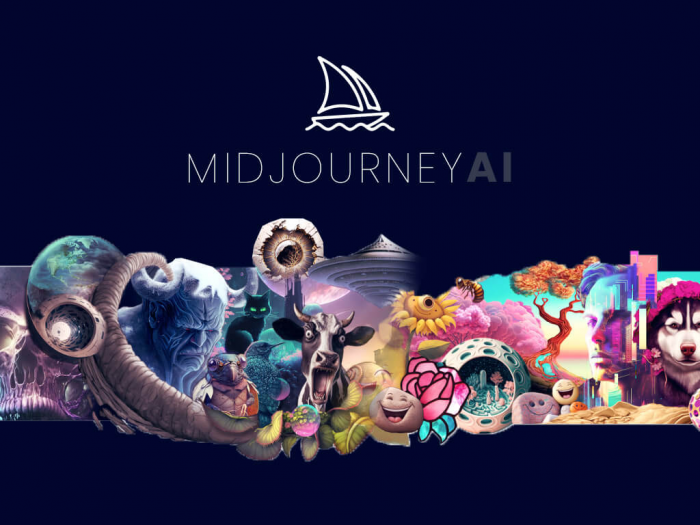
Midjourney remains a favorite among art directors and illustrators who want stylized, high‑impact visuals for campaigns, concept art, and mood boards. Its strength lies in detailed, aesthetic‑driven images that respond well to nuanced prompts, making it ideal for brand explorations, pitch decks, and editorial visuals.
Designers typically use Midjourney at the top of the creative funnel: explore directions, generate multiple aesthetic options, and then rebuild the chosen direction in tools like Photoshop, Figma, or Illustrator. Over time, iterative prompting and image‑based references allow teams to approximate a consistent visual language that feels like a unique brand style.
The platform runs primarily through Discord, which can feel unusual at first but offers powerful features like upscaling, variations, and custom parameters inside a chat‑like interface. With v6 and v7‑era models, Midjourney has steadily improved realism, text rendering, and control over composition while keeping its pricing structure stable.
Midjourney pricing
| Plan | Key details (2026) | Price (monthly)* |
| Basic | Entry plan aimed at individual creators; roughly 200 image generations per month. | $10/month |
| Standard | More fast hours and relaxed mode, suitable for frequent use and side projects | $30/month. |
| Pro | Higher limits and features like stealth mode for confidential work. | $60/month. |
| Mega | Built for power users and studios with heavy generation needs. | $120/month. |
4. DALL·E 3 – Text‑Accurate Image Generation from OpenAI
DALL·E 3 focuses on generating images that closely follow your written prompt, especially for scenes that require precise relationships between objects and composition. It’s widely used through ChatGPT and other OpenAI integrations, which means many designers access it as part of a broader AI assistant rather than as a standalone design app.
For graphic design workflows, DALL·E 3 shines when you need fast ideation for illustrations, icons, editorial visuals, or concept art that you’ll later refine in professional tools. Its integration into productivity platforms makes it convenient for non‑design stakeholders to generate first drafts, which designers can then upgrade into production‑ready assets.
Although competitors like Midjourney and newer platforms may beat it on pure aesthetics in certain styles, DALL·E 3 remains attractive because of its direct tie‑ins to OpenAI’s ecosystem and the ability to combine image generation with reasoning and copy generation in a single workflow.
DALL·E 3 pricing
| Plan / usage | Key details | Indicative price* |
| Standard | Many implementations price generations per image or bundle them in subscription tiers; entry‑level offerings list a starting price of around $0 per image for basic use. | From $0 per image in some standard tiers; additional usage billed per image or via credits. |
5. Figma (with AI‑Powered Features) – Interface and Product Design at Speed
Figma has evolved from a collaborative interface design tool into a platform with deep AI assistance across layout, content, and asset creation. Generative features help designers rearrange layouts, generate UI variants from prompts, auto‑name layers, and even produce developer‑ready assets more efficiently.
AI‑powered plugins and native features can generate screens from text descriptions, build wireframes, and even export code for frameworks like React or Vue. This is particularly useful in product teams where designers need to move from idea to clickable prototypes in hours, not days.
Figma’s AI also enhances search and asset management: it can surface relevant components, suggest responsive layouts, and create filler copy that better reflects real content instead of “lorem ipsum.” Combined with its real‑time collaboration and commenting, this makes Figma a central hub for UI, UX, and digital product graphics.
Figma pricing (AI features context)
| Plan | Key details (2026) | AI access context* |
| Starter | Free tier for individuals and small teams with limited projects, often includes access to some AI‑related features or plugins in a constrained way | $0; limited usage |
| Professional / Organization | Paid tiers unlock advanced collaboration, libraries, and broader access to AI features and premium plugins | Pricing varies by seat and region; AI may be bundled or metered |
6. CorelDRAW Graphics Suite – Traditional Vector Power with New Generative AI
CorelDRAW Graphics Suite blends classic vector and layout tools with a fresh wave of AI capabilities under what the company calls “Artist Intelligence.” The latest version introduces generative image creation, AI remixes, and significantly faster performance across applications.
Built‑in tools like AI Generate and Remix Image let designers create visuals from text prompts, generate variations, and produce product mockups without leaving the Corel environment. AI Background Removal and AI Masking accelerate complex selections and cutouts, which historically have been time‑consuming in vector‑plus‑bitmap workflows.
Performance improvements are also a key selling point: applications in the 2026 suite launch up to three times faster, which matters for agencies and teams that open and close heavy files throughout the day. For designers loyal to Corel’s workflow—especially in print, signage, and packaging—these AI additions modernize a familiar toolset.
CorelDRAW Graphics Suite pricing
| Edition / model | Key details (2026) | Pricing notes* |
| Subscription | Ongoing subscription with access to the latest CorelDRAW Graphics Suite, including 2026 AI features like AI Generate and Remix Image. | Price varies by region; typically structured as an annual or monthly subscription. |
| Perpetual / one‑time (where offered) | Some markets still offer one‑time licenses, though AI‑driven features are increasingly tied to subscription updates | Check local Corel partners or official store for current figures. |
Corel regularly adjusts licensing in different regions; specific numbers are best pulled from the official store for different country.
7. Kittl – AI‑First Design Playground for Typography and Vectors
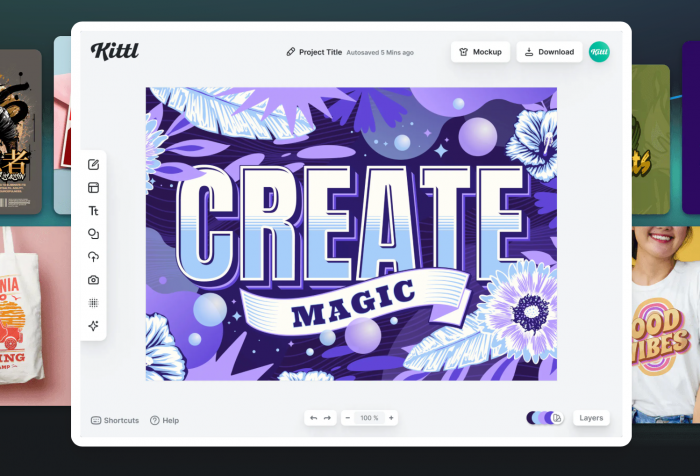
Kittl is an AI‑powered graphic design platform built around typography‑heavy work: T‑shirts, posters, logos, branding, and print‑on‑demand graphics. Unlike generalist tools, it emphasizes text effects, vintage/retro styles, and editable vector output, which makes it especially attractive for merch designers, Etsy sellers, and small studios.
The standout feature is Kittl’s AI Vector Generator, which turns text prompts directly into scalable, editable vector graphics instead of flat raster images. You can prompt a logo concept, badge, or illustration and immediately get an SVG‑style asset that you can tweak, change colors, adjust shapes, or combine with Kittl’s large font and template library. For fast production workflows, this means you can go from idea to print‑ready artwork in a single browser tab instead of bouncing through multiple tools.
Kittl has also been steadily upgrading its AI stack: older tools like Design Generator and Copilot were retired in favor of a new generation of multi‑color vector generation that better understands composition and integrates seamlessly with the editor. Combined with its massive library of fonts, elements, and ready‑made layouts, it behaves like a hybrid of Midjourney‑style creativity and Illustrator‑style control—but wrapped in a much simpler UI. Many reviewers now position it as a serious alternative to Canva and even Adobe for creators whose income depends on producing attractive, typography‑centric designs at volume.
Kittl pricing
| Plan | What it includes (2026) | Approx. price* |
| Free | 1 user, access to editor, templates, limited projects and AI tokens; good for learning the workflow and testing AI vectors | $0/month. |
| Pro | Designed for freelancers and POD sellers; access to advanced editing, vector exports, commercial license, and around 2,000 AI tokens/month | About $10–$15/month per user (cheaper on annual billing). |
| Expert | Aimed at high‑volume creators; unlimited (or very high) projects, much larger storage, more AI tokens (up to around 6,000/month), full asset library, and brand kits. | Roughly $24–$30/month per user |
| Business | For teams needing collaboration, higher AI limits, advanced security, and bigger storage (hundreds of GB to 1 TB). | Around $65/user/month, varies by region and contract |
Quick Snapshot: Which Tool Fits Which Use Case?
| Use case / need | Best‑fit tools to prioritize |
| Brand‑safe commercial campaigns | Adobe Firefly, CorelDRAW Graphics Suite 2026 |
| Social media graphics & marketing kits | Canva Magic Studio, Kittl |
| Concept art, moodboards, key visuals | Midjourney, DALL·E 3 |
| UI/UX, product interfaces, design systems | Figma (with AI‑powered features) |
| Print, signage, packaging | CorelDRAW 2026, Adobe Firefly |
| Merch, T‑shirts, posters, POD graphics | Kittl, Canva |
| Fast illustration & editorial imagery | DALL·E 3, Midjourney |
| Team collaboration & handoff to devs | Figma, Canva, Adobe Firefly (in CC workflows) |
Final Verdict
There isn’t one “best” AI tool for graphic design, the best choice depends on your workflow. Tools like Adobe Firefly and CorelDRAW work well for professional, print-ready design within traditional suites, while Canva and Kittl are great for fast, template-based and merch graphics. For creative idea generation, Midjourney and DALL·E 3 excel, and Figma is ideal for digital product and interface design. The smartest approach is to choose one main design platform (Adobe, Figma, Canva, Corel, or Kittl) and pair it with a generative AI tool like Midjourney or DALL·E 3 to speed up ideation and improve your workflow.
Comments