

In 2026, AI video generators are transforming YouTube content creation. These tools let creators turn scripts, text, or ideas into polished videos without cameras, microphones, or complex editing software. From AI avatars to text-to-video generators and automated editors, there is a tool for every type of creator. This article reviews the top 10 AI video generators, covering features, pricing, pros, and cons to help you choose the best fit for your channel.
1. Synthesia
Overview
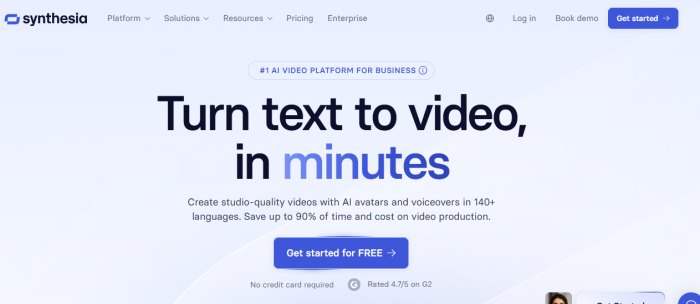
Synthesia is a leading AI video generator that allows users to create videos with realistic AI avatars that speak multiple languages. It is particularly suitable for faceless channels, tutorials, corporate explainers, and educational content.
Key Features
● AI avatars that mimic human gestures and expressions
● Support for over 140 languages
● Customizable video templates and backgrounds
● Integration with stock images and audio
Pricing
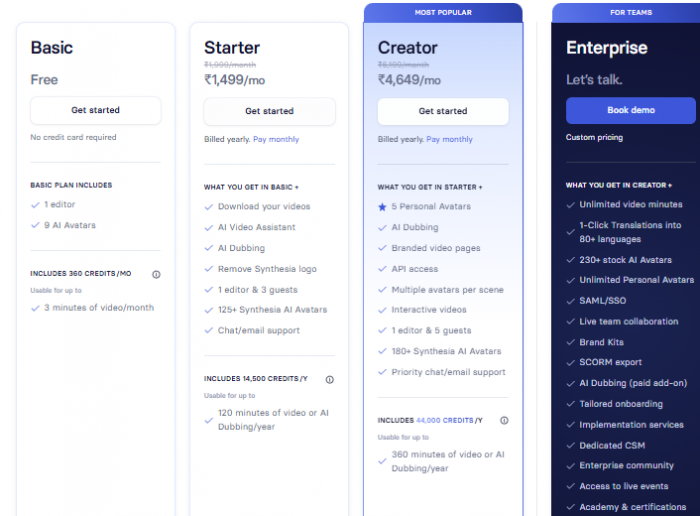
● Free demo available with limited minutes
● Paid plan starts at approximately $16 per month, offering more video minutes and professional features
Pros
● Produces professional-looking videos without cameras or microphones
● Multilingual support expands audience reach
● User-friendly interface
Cons
● AI avatars may feel less natural in fast-paced or highly dynamic scenes.
● Limited options for integrating complex animations or cinematic effects.
● Some users report longer rendering times for multilingual videos.
Best For
Educational or faceless channels that need clear, professional, and informative content.
2. Runway ML
Overview
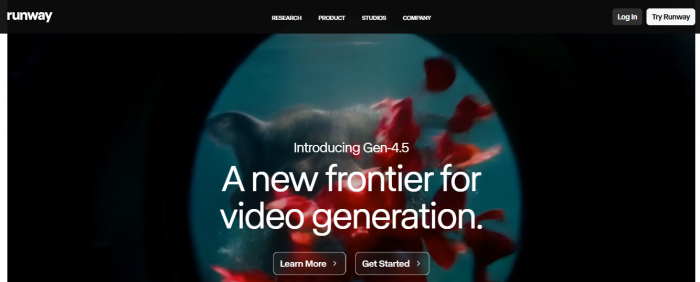
Runway ML is a comprehensive AI video suite that allows creators to generate videos from text, edit scenes, remove backgrounds, and apply advanced effects. It is designed for creators who want complete creative control.
Key Features
● Text-to-video generation
● Motion tracking and rotoscoping
● High-resolution video output
● Integration with external editing workflows
Pricing
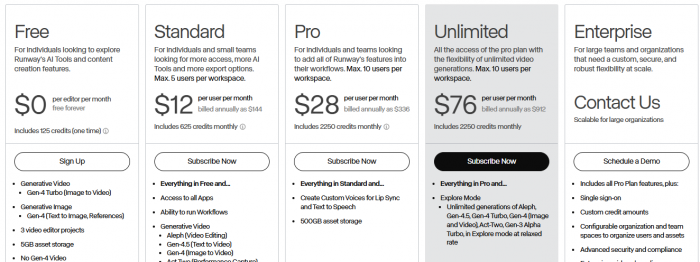
● Free tier with limited credits
● Paid plans range from $12 to $76 per month depending on features and output resolution
Pros
● Professional-grade editing and creative tools
● Ideal for cinematic or creative content
● Regular updates and AI improvements
Cons
● Steep learning curve for advanced features like motion tracking or green-screen effects.
● Large file exports can be resource-intensive and slow on standard hardware.
● Subscription tiers can become expensive if you need high-resolution outputs frequently.
Best For
Creators seeking full creative control for storytelling, ads, or cinematic videos.
3. OpenAI Sora
Overview
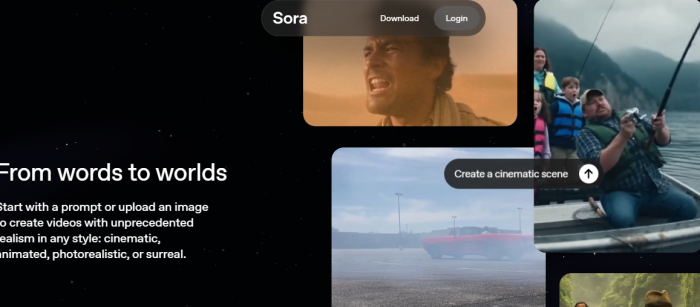
OpenAI Sora is a text-to-video AI model that transforms written prompts into video clips. It is best suited for concept videos, storyboarding, and short creative sequences.
Key Features
● Generates videos based on natural language prompts
● Free and paid tiers available
● Extended features for Pro users, including longer video outputs
Pricing
● Free tier with limited video length
● Pro plan around $220 per month for extended features

Pros
● Easy and intuitive to use
● High-quality output for conceptual and short clips
Cons
● Generated videos may occasionally misinterpret nuanced prompts, requiring manual correction.
● Limited customization for style, camera angles, or scene transitions.
● High cost for extended-length videos can be a barrier for casual creators.
Best For
Creators who want to experiment with ideas and produce visual concepts quickly.
4. HeyGen

Overview
HeyGen specializes in generating AI talking-head videos. It is simple to use and allows the creation of avatar-based presentations.
Key Features
● Custom AI avatars
● Text-to-speech with lip-syncing
● Multi-language support
● Fast video generation
Pricing
● Free trial available
● Paid plans start around $29 per month

Pros
● Very beginner-friendly
● Quick video creation with avatars
● Affordable entry-level plans
Cons
● Avatar customization is limited, which may make multiple videos feel repetitive.
● Not ideal for narrative storytelling or videos requiring multiple characters.
● Some accents or languages may have slightly unnatural speech synthesis.
Best For
Small creators or businesses who need talking-head style videos efficiently.
5. InVideo AI
Overview
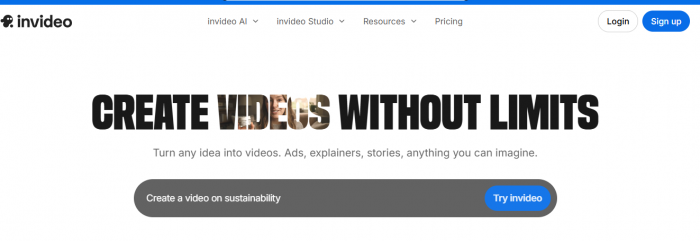
InVideo AI allows users to convert text or scripts into professional videos quickly. It provides ready-to-use templates and a large stock media library.
Key Features
● Extensive library of templates
● AI-assisted editing and auto voiceovers
● Integration with stock images, video clips, and audio
● Optimized for social media platforms
Pricing
● Free plan available with watermarked exports
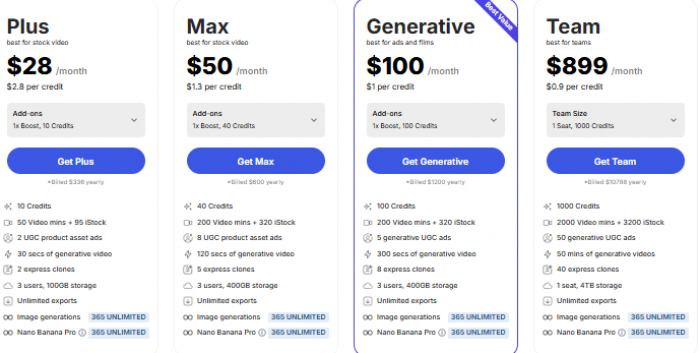
● Paid plans range from $28 to $900 per month
Pros
● Quick and easy video creation
● Saves time for social media content
● Suitable for beginners
Cons
● Template-driven design can make videos look generic if overused.
● Auto-generated voiceovers may need manual tweaking to match pacing or tone.
● Export options for higher resolutions are locked behind premium plans.
Best For
Creators who need fast, template-based video production.
6. Pictory

Overview
Pictory specializes in turning scripts, blogs, and long-form content into videos automatically. It is ideal for educational content and repurposing articles into video form.
Key Features
● Auto scene selection
● Integration with stock footage
● Automatic subtitles and captions
● Script-to-video workflow
Pricing
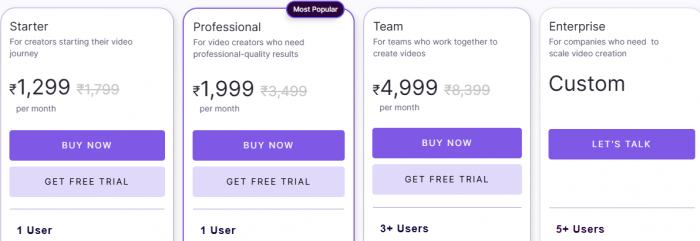
● Plans start at approximately $14 per month
Pros
● Saves significant editing time
● Beginner-friendly interface
● Effective for long-form content repurposing
Cons
● Scenes may not always align perfectly with the intended message of the script.
● Limited AI-generated voice options can make narration sound robotic.
● Less suitable for highly creative or cinematic video projects.
Best For
Creators who rely on scripts or written content to generate videos.
7. Veed.io
Overview
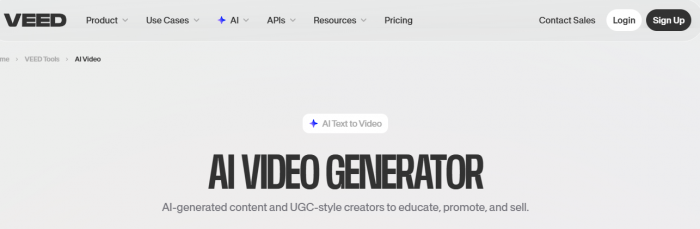
Veed.io combines AI video editing and generation. It offers features like auto subtitles, translations, and simple text-to-video tools.
Key Features
● Drag-and-drop editor
● AI-generated captions and translations
● Stock video and music library
● Social media format optimization
Pricing
● Free plan available with watermarks
● Paid plans remove watermarks and unlock advanced features

Pros
● Collaborative editing tools
● Easy-to-use AI features
● Quick social media content creation
Cons
● AI captions may occasionally misinterpret technical or uncommon terms.
● Some advanced editing features are only available in higher-tier plans.
● Not ideal for producing cinematic or complex story-driven videos.
Best For
YouTubers who need both editing and AI-assisted video creation in one platform.
8. Descript
Overview
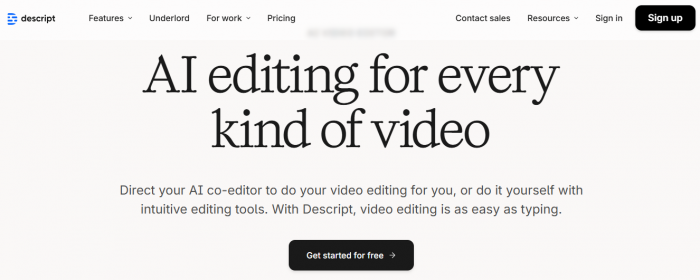
Descript focuses on text-based video editing, allowing creators to edit video content by editing transcripts. It also includes AI voice cloning, overdubbing, and filler removal.
Key Features
● Edit video by editing text
● AI overdub for voice cloning
● Automatic transcription
● Filler removal and scene editing
Pricing
● Free plan available
● Paid plans start around $16 per month

Pros
● Intuitive editing workflow
● Powerful transcription and voice tools
● Speeds up post-production significantly
Cons
● AI voice cloning may require significant training for natural-sounding output.
● Limited support for cinematic effects or advanced visual storytelling.
● Real-time collaboration may lag on longer videos or large projects.
Best For
Creators focused on talking-head videos, podcasts, or efficient editing.
9. Lumen5
Overview
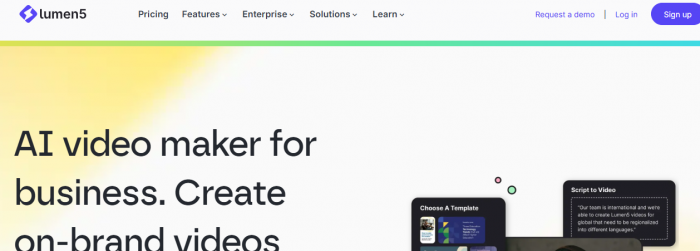
Lumen5 converts blog posts or articles into videos automatically. It is beginner-friendly and emphasizes content repurposing.
Key Features
● Script or article-to-video conversion
● Stock media library
● Easy-to-use interface
Pricing
● Free plan with limited exports
● Paid plans available for advanced features

Pros
● Very beginner-friendly
● Quick video creation from text content
● Large stock library
Cons
● Limited control over timing, scene transitions, or visual style.
● Output resolution may be lower than other advanced AI generators.
● Templates can feel repetitive, especially for frequent video production.
Best For
New creators or bloggers looking to convert written content into video.
10. Veo
Overview
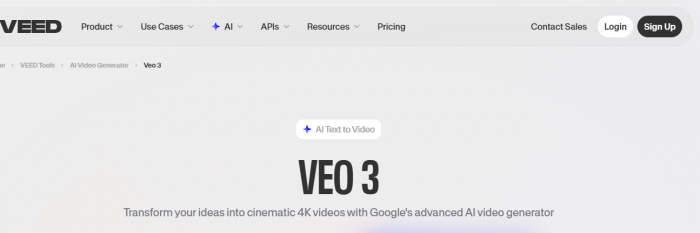
Veo is a next-generation AI video tool focused on cinematic short clips and vertical video formats. It is especially suited for YouTube Shorts and mobile content.
Key Features
● Physics-aware video generation
● Supports 1080p output and vertical formats
● API and developer-focused integration
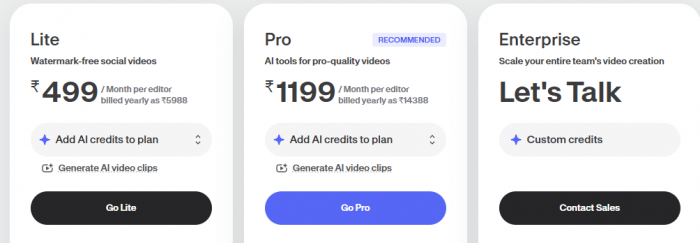
Pricing
Pros
● High-quality cinematic video output
● Optimized for vertical and Shorts content
● Advanced AI video generation
Cons
● Developer-focused features may overwhelm beginners or non-technical users.
● Some advanced cinematic effects require manual adjustment despite AI assistance.
● Limited template library compared to more beginner-friendly platforms.
Best For
Creators seeking cinematic quality content for Shorts or vertical video platforms.
How to Choose the Right Tool
| Goal | Recommended Tools |
| Faceless tutorials and explainers | Synthesia, HeyGen |
| Full creative control or cinematic videos | Runway ML, Veo |
| Quick social media content | InVideo AI, Pictory, Veed.io |
| Efficient editing workflow | Descript, Lumen5 |
| Script-based automated videos | Pictory, Lumen5 |
Conclusion
In 2026, AI video generators will become indispensable tools for YouTubers and content creators. Whether you are producing faceless tutorials, cinematic storytelling, social media shorts, or repurposing written content, there is an AI tool to match your workflow and creative needs.
Choosing the right platform depends on your goals, budget, and preferred style. Tools like Synthesia and HeyGen are ideal for faceless or educational content, Runway ML and Veo are perfect for cinematic and creative videos, while InVideo, Pictory, and Veed.io save time with quick template-based production. Descript and Lumen5 excel for efficient editing and turning scripts or blogs into videos.
The key is to let AI handle repetitive tasks while you focus on your creativity and unique voice. These tools are here to enhance your production, streamline your workflow, and help you consistently deliver high-quality content to your audience. By selecting the right AI video generator, you can take your YouTube channel to the next level and explore new possibilities in content creation.
Comments