

Long‑form content is a different beast from social posts or ad copy. When you’re writing 2,000–5,000 words, you need AI that can keep structure, context, and voice intact from headline to conclusion, not just spit out disjointed paragraphs.
The eight tools below are geared toward serious blog posts, in‑depth guides, reports, and manuscripts each with a different strength and a clearly defined role in a pro writer’s stack.
1. Jasper : For brand‑driven marketing content
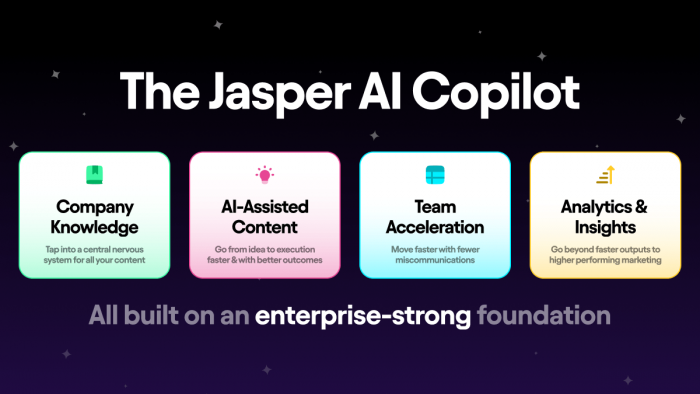
Jasper is built around one core idea: your brand voice should survive every draft, no matter how much AI you use. It wraps long‑form generation in a layer of brand controls, templates, and team features that feel very “marketing department”.
What Jasper brings to the table
● A focused “document” mode where you can move from outline to fully fleshed‑out blog posts and pillar pages.
● Brand voice learning: you feed it examples, it mirrors that style across articles, emails, and landing pages.
● Content workflows that tie together briefs, outlines, drafts, and approvals, which is useful if multiple stakeholders touch the same piece.
● Ready‑made frameworks for intros, CTAs, structure, and more, which you can chain into a full narrative.
How Jasper is priced
Typically no forever‑free plan; you get a 7‑day free trial to see if it fits. Entry subscriptions start at $49/month on monthly billing (Creator), or $39/month when billed annually; the Pro plan is $69/month monthly or $59/month annually, while Business is custom.
Who tends to get the most value
● In‑house marketing teams and agencies that push out consistent, on‑brand long‑form content every week.
● Solo marketers who want an AI assistant that “thinks” like a brand copywriter rather than a generic text generator.
2. Writesonic : For keyword‑driven blogs and articles
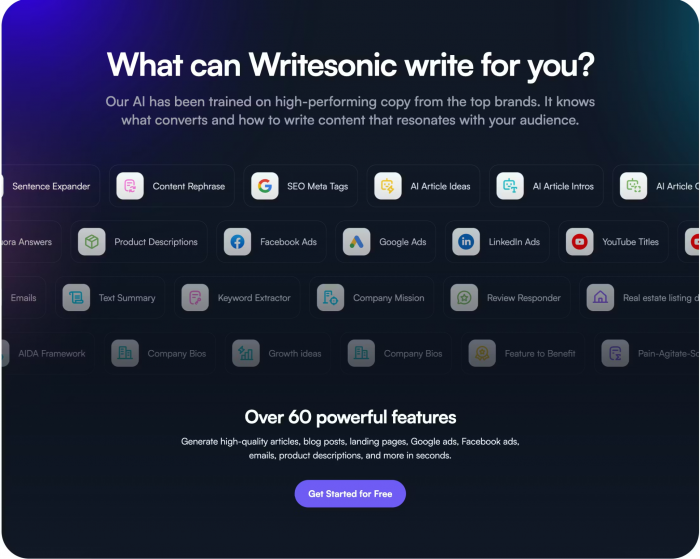
Writesonic is built with search traffic in mind. Instead of treating an article as just a story, it leans into keywords, structure, and SERP expectations so your long‑form content doesn’t just read well but also has a shot at ranking.
Standout capabilities
● Purpose‑built “article writer” flows that go from topic + keywords to sectioned drafts with intros, H2s, and conclusions.
● On‑screen prompts for meta descriptions, title tags, and other SEO elements while you draft.
● Options to switch tone and language, which is handy for multi‑market or multi‑brand setups.
● A dashboard that groups different content types (blogs, ads, landing pages) so you can keep campaigns organized.
Money side of things
Usually offers some kind of starter allowance either a free tier with caps or a short trial. Core plans start in the “serious blogger / small team” price range: the Lite (SEO‑Content) plan starts at $49/month monthly or $39/month when billed annually, with Standard, Professional, and Advanced tiers rising to $99, $249, and $499/month respectively.
Best use‑cases
Niche site operators and content marketers who live and die by organic search and Writers who want SEO prompts built in, instead of juggling a separate optimization tool while drafting.
3. Rytr : For low‑cost drafting and idea expansion
Rytr’s appeal is its simplicity and price. It doesn’t try to be an all‑in‑one marketing OS; it focuses on quickly turning prompts, bullets, and outlines into usable text, including long‑form articles, without making a dent in your budget.
Why people like using Rytr
● A distraction‑free editor that can “continue writing” from your headings or notes into full paragraphs.
● Lots of “use cases” you can pick from blog sections, emails, social posts using the same interface.
● Tone and language switches that make it usable for different brands or regions, even on a small subscription.
● Fast response times and relatively low friction: you’re in, you generate, you paste into your main editor.
Cost structure
There is usually a genuinely usable free tier, good for experimentation and light use (around 10,000 characters per month). Paid tiers are intentionally affordable: the Saver plan starts at $9/month, and the Unlimited plan at $29/month, with higher Pro/Enterprise options scaling up to about $99/month for teams.
Who it suits best
Freelancers, students, and side‑project creators who need help with first drafts more than with heavy SEO or collaboration and People happy to do their own editing and optimization, but who want something fast to fill the blank page.
4. Surfer AI / Surfer SEO : For SERP‑aligned, competitive content

Surfer is first and foremost an SEO engine; the AI writing layer sits on top of deep competitor and SERP analysis. It’s ideal when “ranking for this keyword cluster” is the brief, and everything from heading structure to term usage needs to be justified by data.
What makes Surfer different
● A content editor that scores your draft in real time based on word count, keyword coverage, and topical depth.
● AI‑assisted drafting that uses its own guidelines, so the article aligns with what top‑ranking pages are doing.
● Detailed content briefs: recommended headings, subtopics, and questions people ask around your main keyword.
● Tools for updating old posts: plug in a URL, get a to‑do list for improving it against current SERP competition.
How pricing generally feels
Think of it as an SEO subscription first: you pay for the suite and get AI writing capabilities as part of that ecosystem or as an add‑on. Plans start at “professional SEO tool” pricing: the Essential plan is around $89–$99/month, with higher Scale and Enterprise tiers going up to $219/month and custom $999+/month for larger teams.
Ideal audience
SEO consultants, agencies, and content leads who live inside analytics dashboards and Teams where every long‑form piece has a target keyword set and a clear traffic goal.
5. Sudowrite : For novels and narrative long‑form
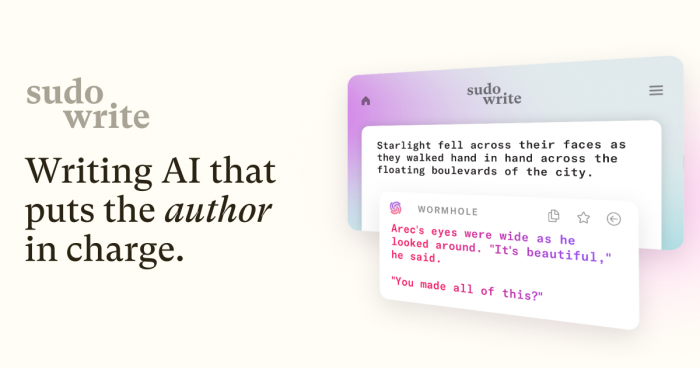
Sudowrite is one of the few tools that doesn’t treat long‑form as “long blog posts” but as stories: novels, scripts, narrative essays. Its UX and feature set are clearly built around characters, scenes, and emotional rhythm.
Creative superpowers
● “Expand” and “rewrite” tools tuned for scenes and chapters rather than generic paragraphs.
● Idea generators that suggest plot twists, character traits, conflicts, and world details when you’re stuck.
● Controls to change pacing, intensity, or description level without losing your core voice.
● A project‑centric view where you keep adding to the same manuscript instead of juggling dozens of separate documents.
How it’s sold
You usually start on a trial to see how it behaves with your own work‑in‑progress.
Subscriptions are in line with “serious hobbyist or professional writer” budgets: the Hobby & Student plan starts at $19/month, the Professional plan at $29/month, and the Max plan at around $59/month, with annual billing dropping the effective monthly cost.
Writers who get the most out of it
Fiction authors, fan‑fic writers, and memoirists wrestling with big projects over months or years and Anyone who prefers to co‑write with AI scene by scene rather than dumping a whole outline and asking for a full book.
6. Type / Type AI : For editing‑heavy, professional documents
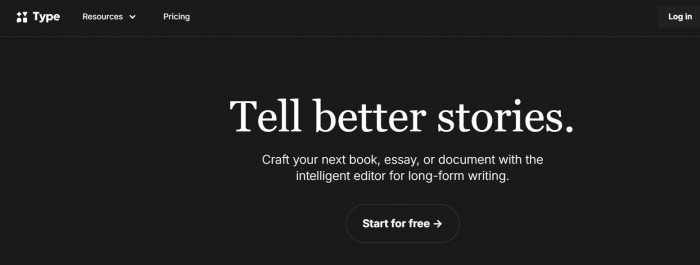
Type feels like a serious writing app first and an AI product second. It’s geared toward people producing reports, long essays, whitepapers, and analytical blog posts who care deeply about structure, clarity, and polish.
How Type helps you work
● A document environment where you can reorganize sections, headings, and arguments without losing the thread.
● Strong rewriting options: you can ask it to tighten, formalize, simplify, or expand specific sections.
● Context‑aware chat on top of your document, so you can query “does this section repeat earlier points?” or “help me make this more concise”.
● A workflow that encourages revising and versioning, rather than one‑off text generation.
What to expect on pricing
You’ll usually get a trial phase to see if it genuinely improves your drafts.
The base individual plan is priced like a premium writing app, starting at around $29/month on monthly billing, with an annual plan working out to roughly $23/month; business and team tiers sit above that.
Who it’s made for
Consultants, analysts, and researchers producing dense but readable reports. And the bloggers and thought leaders who are happy drafting themselves but want a rigorous AI editor in the same space.
7. Notion AI : For long‑form that lives inside your workspace
Notion AI isn’t a standalone writing platform; it’s an AI layer inside Notion, which is why it’s powerful if your entire content operation already lives there briefs, research, outlines, and final articles.
Where Notion AI shines
● Turning bullet‑point research on a Notion page into structured sections or first‑pass drafts.
● Refactoring messy meeting notes, interview transcripts, and idea dumps into usable outlines.
● In‑place rewriting, summarizing, or lengthening of sections while you keep all your databases and references a tab away.
● Collaborative editing: teammates can tag each other, comment, and ask the AI to tweak sections directly in the shared doc.
How the add‑on is handled
Notion itself has a generous free tier; the AI capabilities are usually bolted on via paid workspace plans. The Plus plan starts at about $10/user/month when billed annually (or $12 monthly), but full AI is most comfortably accessed via the Business plan at $20/user/month annually or $24/user/month monthly; Enterprise is custom.
Best fits
Content teams that already plan sprints, briefs, and research inside Notion and don’t want to switch tools to draft. Solo creators who treat Notion as their second brain and want AI to live in that same environment.
8. Quillbot : For rephrasing and tightening existing long‑form

Quillbot is less about generating entire pieces and more about transforming what you’ve already written (or generated elsewhere). It’s a paraphraser, summarizer, and grammar helper that works especially well as the last step before publishing.
What it actually does well
● Rewriting sentences and paragraphs in multiple modes so you can remove repetition or adjust formality.
● Summarizing long sections, which is useful for executive summaries or TL;DR versions of big posts.
● Spotting and smoothing out grammar, punctuation, and clunky phrasing that slip through your own edits.
● Integrating into browsers and word processors so you can clean up text without leaving your main editor.
Pricing reality
There’s usually a free version with limited word counts or fewer modes good enough for light use. Premium unlocks higher limits and the full set of rewriting styles: QuillBot Premium starts at $19.95/month on monthly billing, $39.95 every 3 months, or $99.95/year (about $8.33/month effective) for the annual plan.
Who should keep it in their toolkit
Writers who already have a full draft (human, AI, or both) and want a fast way to improve readability. Students, bloggers, and professionals who often rework the same information into different versions for different audiences.
Snapshot: which tool does what?
| Tool | Core strength | Rough starting price (paid) | Free option? | Ideal long‑form scenario |
| Jasper | Branded marketing and blog content | ~49–69 USD/month | Trial only | Agency and in‑house marketing blogs |
| Writesonic | SEO‑aware blog and article drafting | ~39–49 USD/month | Limited/trial | Niche and SEO‑driven websites |
| Rytr | Low‑cost long‑form drafting | ~9 USD/month | Yes | Budget blogs, side projects |
| Surfer AI | SERP‑driven, data‑backed content | ~39–89 USD/month (suite) | Trial | Ranking‑focused SEO articles |
| Sudowrite | Long‑form fiction and narrative writing | ~19 USD/month | Trial | Novels, stories, narrative non‑fiction |
| Type | Deep editing and professional documents | ~29 USD/month | Trial | Reports, essays, whitepapers |
| Notion AI | Writing inside docs and workspaces | Low per‑user AI add‑on | Limited/free | Knowledge‑base and team documentation |
| Quillbot | Paraphrasing, summarizing, and polishing | Low monthly premium tier | Yes | Refining existing long‑form drafts |
How to assemble a practical stack
If you write serious long‑form content regularly, it’s often smarter to combine a few specialized tools instead of relying on a single “do everything” platform.
● For SEO‑heavy blogs: pair a drafting tool (Writesonic or Jasper) with Surfer for data‑driven optimization, then polish phrasing in Quillbot or Type.
● For creative work: use Sudowrite as your core drafting partner, then optionally bring in a paraphraser like Quillbot for final line‑level cleanup.
● For professional documents: draft and refine inside Type or Notion AI, using Rytr or another inexpensive generator only when you need raw text to reshape.
To turn your long‑form pieces into high‑engagement posts, check out Top AI Tools to Supercharge Your Social Media Content Creation.
Verdict
Treat these tools as specialists you can hire on demand, not as magic replacements for your own judgment. Each one is strongest at a different stage of the writing journey: ideation, drafting, SEO shaping, structural editing, or final polish so the real advantage comes from knowing exactly where in your workflow Jasper, Writesonic, Rytr, Surfer, Sudowrite, Type, Notion AI, and Quillbot each earn their place.
Comments