

A caption gets roughly a second and a half to justify itself. In that window, a reader isn't reading, they're glancing, and their thumb is already halfway to the next post. A tight one-liner respects that reality. A three-paragraph story fights it.
That's the whole case for short captions in a sentence. The rest of this piece is about the part nobody explains: how to make those few words actually do something, earn a save, spark a comment, get the click instead of just sitting there looking clever.
Why Short Captions Actually Convert
"Convert" gets thrown around loosely, so let's pin it down. A caption converts when it produces a specific behavior: a save, a share to Stories, a comment, a profile tap, a click to the link in bio. A like is nice, but it's the lowest-effort action a person can take. Real conversion means the caption nudged someone off autopilot.
Short captions win at this for reasons that have little to do with laziness and everything to do with how the feed works:
● The 125-character truncation. Instagram clips your caption in the feed after roughly 125 characters and hides the rest behind a "…more" tap. If your hook, your point, and your call-to-action aren't inside that visible slice, most people never see them. A one-liner fits entirely above the fold, every time.
● Lower cognitive load, higher action rate. Every extra clause you add is one more thing the reader has to process before deciding to act. When the ask is a single, obvious idea, the decision to tap "save" or drop a comment happens almost reflexively. Long captions bury the ask under context nobody requested.
● The curiosity gap survives editing. A short line forces you to cut everything except the most interesting part. What's left is usually a hook a statement that's slightly incomplete, a little provocative, or oddly specific and that incompleteness is exactly what makes someone stop.
None of this means "shorter is always better." It means shorter forces the discipline that long captions let you avoid. Here's the difference in practice:
| Weak (long, unfocused) | Strong (short, converting) |
| "So excited to finally share this new product with you all, we've been working so hard behind the scenes for months and honestly can't wait to hear what you think, link in bio!" | "Six months of work. Live now. Link in bio." |
| "Just a little reminder that self-care is so important and you should always take time for yourself no matter how busy life gets." | "Rest is productive. Screenshot this." |
The right-hand versions aren't just shorter, they carry a clear action ("Link in bio," "Screenshot this") and they end before the reader loses interest. That's the pattern worth internalizing.
The Anatomy of a One-Liner That Works

Most high-performing short captions are quietly built from the same parts. Once you can see the parts, you can assemble them on demand instead of waiting for inspiration.
A good one-liner is engineered, not stumbled upon.
● A hook or emotional trigger. The first two or three words decide everything, because they're what shows before the truncation. Good caption tips often start with sharpening those opening words so the idea lands faster.
● Exactly one idea. The fastest way to weaken a short caption is to smuggle in a second thought. One post, one message. If you have two things to say, that's two posts.
● Rhythm you can hear. Punchy captions tend to use short, clipped clauses and hard stops. Read it out loud if it stumbles, trim it until it doesn't. Fragments are fine here; grammar-perfect sentences often read slower.
● An action, stated or implied. "Save this for later," "Tag someone who needs it," "Link in bio" or a question that makes commenting feel natural. Without a nudge, even a great line just gets a passive like.
● Emoji as punctuation, not decoration. One well-placed emoji can replace a word or add a beat of tone. Five in a row just adds noise and eats into your visible characters.
Quick test: cover everything after the first five words of your caption. If a stranger still gets the gist and feels a flicker of curiosity, you've got a hook. If not, rewrite the opening not the ending.
50 Short Instagram Captions That Convert
These are grouped by intent so you can jump to the kind of post you're actually making. Treat them as templates, not scripts the best results come when you swap in your own specifics (more on that below).
Bold & Confident
1. Built different. Priced the same. 2. I don't chase. I attract. 3. Underestimate me. That'll be fun. 4. Not lucky. Just relentless. 5. Main character energy, no apologies. |
Funny & Relatable
6. My hobbies include snacks and avoiding people. 7. I'm not lazy. I'm on energy-saving mode. 8. Adulting is just Googling how to do things. 9. Currently in a committed relationship with my bed. 10. Sarcasm: my cardio. |
Aesthetic & Minimal
11. Soft light, slow morning. 12. Less, but better. 13. Quiet luxury, loud peace. 14. Neutral tones, clear mind. 15. Golden hour did that. |
Motivational & Mindset
16. Start ugly. Fix it later. 17. Discipline outlasts motivation. Screenshot this. 18. You're one decision away. Make it. 19. Small steps still beat standing still. 20. Your future self is watching. Save this. |
Business & Personal Brand
21. I sell results, not promises. 22. Skills pay bills. Save the tip below. 23. Built in public. Wins in bio. 24. Your network is your net worth. Tag a partner. 25. Stop scrolling. Start shipping. |
Product & Sales
26. Back in stock. Won't stay that way. 27. You asked. We made it. Link in bio. 28. One left in your size. Move fast. 29. Try it. Return it if you're wrong. (You won't.) 30. The upgrade you've been justifying do it. |
Travel & Lifestyle
31. Passport full, worries empty. 32. Left my heart at gate 22. 33. Some views ruin you for home. 34. Jet lag hits. The memories don't fade. 35. Save this spot before it gets famous. |
Food & Cravings
36. Tag your split-the-dessert person. 37. Carbs are a love language. 38. Save this before you get hungry. 39. First bite silence says everything. 40. Recipe below. Thank me later. |
Selfie & Self-Love
41. Confidence looks good on me. 42. Same me, better boundaries. 43. Glow up is an inside job. 44. I'm the plot, not the subplot. 45. Posting this for me, not the algorithm. |
Engagement Questions
46. Coffee or chaos pick one. 47. Drop a 🔥 if this is you. 48. Unpopular opinion: comment yours. 49. Would you? Yes or no below. 50. Finish the sentence: my toxic trait is ___. |
The caption and the visual should carry one message between them not compete.
Top 5 Instagram Caption Generator Tools
Writing from scratch every day gets old fast. These tools speed up the first draft so you can spend your energy editing for punch rather than staring at a blank field. Ranked by how useful they are specifically for short, conversion-minded captions.
1. SmartPostly Caption Generator
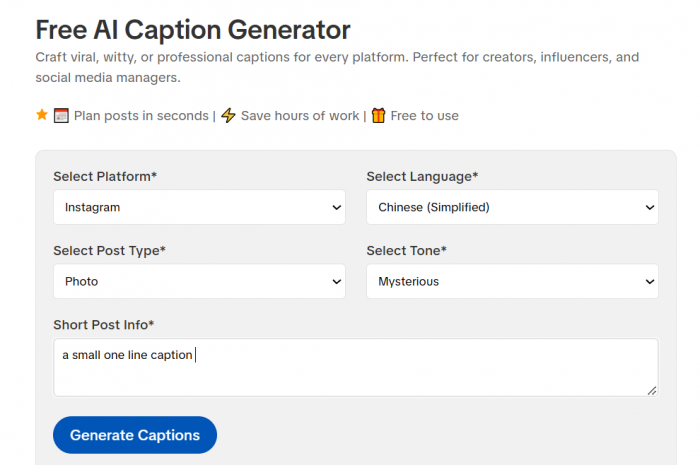
SmartPostly Caption Generator is standout for anyone who wants captions that do something rather than just fill space. What sets it apart is that it lets you set the intent up front to sell, engage, or inform so the draft already leans toward a hook and a clear action instead of a vague, pretty sentence. It also skews short by default, which means the output tends to fit inside the 125-character visible slice without you having to hack it down.
Best for: creators and small brands who post often and want conversion-minded one-liners fast, minus the generic, over-emoji'd results most generators hand you.
2. Copy.ai
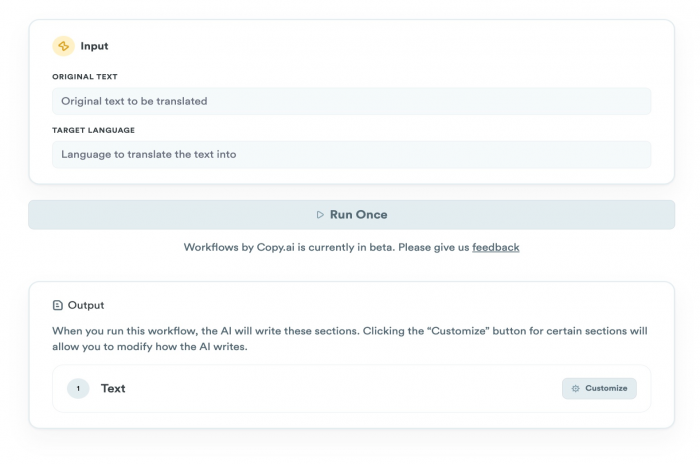
Copy.ai is a broad marketing-copy tool with a capable social-caption mode. Its real strength is volume; it'll spit out a dozen variations in seconds, which makes it genuinely useful when you want options to A/B test rather than a single answer. The catch is that it trends wordy, so you'll be trimming its drafts down to one-liner length yourself.
Best for: marketers who like to generate many angles and pick the winner.
3. Jasper
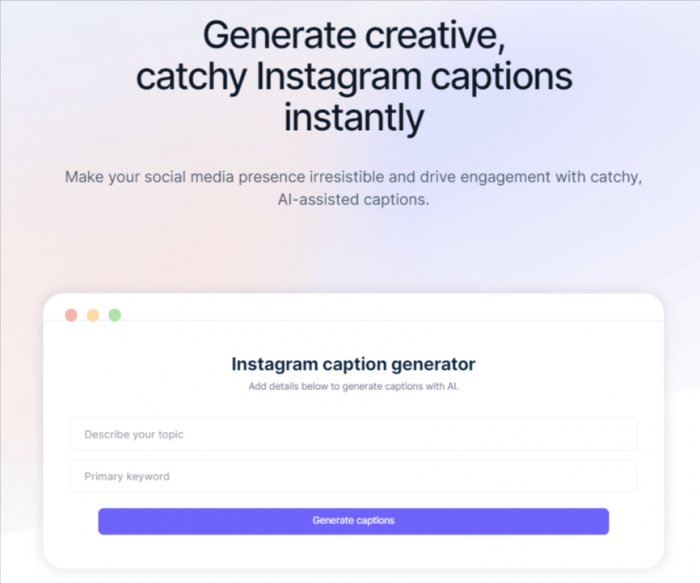
The team-and-brand option. Jasper’s tone and brand-voice controls are the most serious on this list, so if several people write captions for the same account, Jasper keeps them sounding like one voice. That polish comes at a higher price, and most of its power is aimed at long-form content you won't need for captions.
Best for: agencies and multi-account brands where consistency matters more than cost.
4. Canva Magic Write
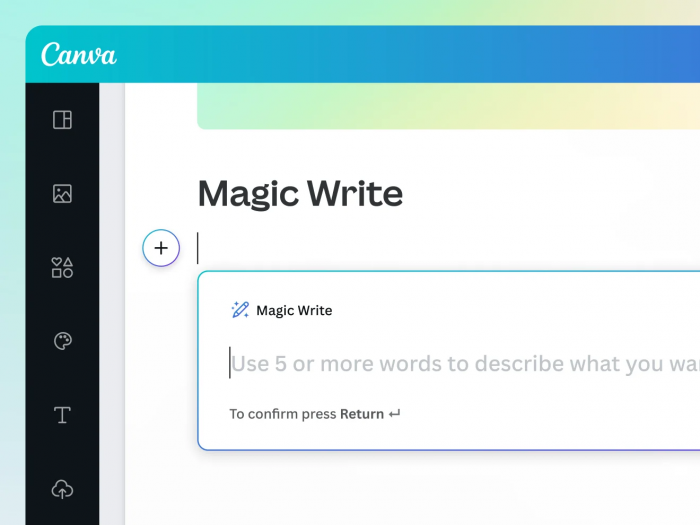
Canva magic write is the convenience pick. Because it lives inside Canva, you can write the caption in the same window where you're designing the graphic no jumping between tabs. The suggestions are solid rather than sharp, but the seamless workflow pays off most when you're batching a week of posts in one sitting.
Best for: anyone already designing their posts in Canva.
5. Simplified
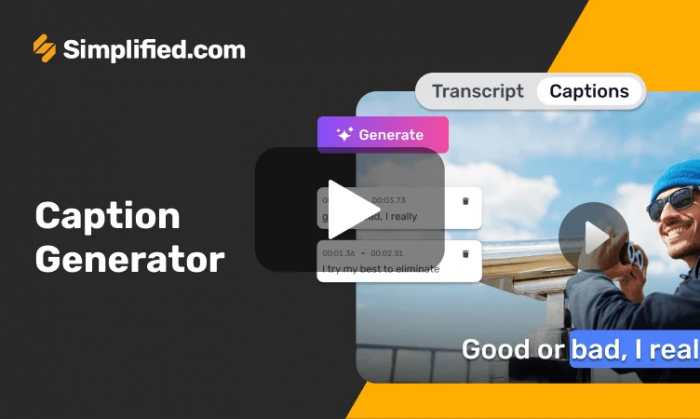
Simplified is the budget-friendly all-rounder. Its caption generator is one piece of a wider content suite, and the free tier is generous enough to test the waters before committing to anything paid. As with most free tools, the drafts are a starting point that needs a firm editing pass before they're post-ready.
Best for: beginners not yet ready to pay for a dedicated caption tool.
A word of caution: no generator replaces your judgment. Every tool on this list produces a draft. The conversion comes from you cutting it down, sharpening the hook, and adding the one specific detail only you know about your audience.
How to Adapt Any Caption to Your Brand
Here's the uncomfortable truth about caption lists, including this one: a caption that converts for a fitness coach can flop for a ceramics studio. Conversion is contextual. The line itself is only half the equation; the other half is how well it matches your audience and your voice.
Three moves turn a borrowed template into something that sounds like you:
1. Swap the generic noun for your specific one. "Save this for later" becomes "Save this before your next client call." Specificity is what makes a stranger feel like you're talking to them.
2. Match your natural register. If a line sounds unlike the way you normally speak, it will feel borrowed. That same voice should also carry into your Instagram bio so the profile feels consistent.
3. Test two versions on similar posts. Run one caption on Monday's post and a variant on Thursday's, then compare saves and comments not likes. After a handful of posts you'll have your own data, which beats any list.
Common Mistakes That Quietly Kill Conversions
Even a strong line can underperform if it's wrapped in one of these habits. Most are easy to fix once you're looking for them.
| Mistake | Why it hurts |
| Stuffing 20+ hashtags into the caption | Pushes your actual line below the "…more" cutoff and reads as spammy. Move tags to the first comment. |
| Two ideas in one caption | Splits the reader's attention so neither idea lands. Pick one and cut the other. |
| A vague or missing call-to-action | "Hope you like it" gives no instruction. People act when told exactly what to do next. |
| Burying the hook after a warm-up | Opening with "So…" or "Just wanted to…" wastes the only words shown before truncation. |
| Emoji overload | A wall of emojis eats visible characters and buries the message under decoration. |
Quick FAQ
1. How long should an Instagram caption be to convert?
There's no magic number, but keep your hook and call-to-action inside the first ~125 characters so they show before the "…more" cutoff. For most posts, one to two tight sentences outperform a paragraph.
2. Do emojis actually help conversions?
Used sparingly, yes one emoji can add tone or draw the eye to a CTA. The gain disappears fast once you pile them up, because they crowd out your words and can read as unserious depending on your niche.
3. Where should the call-to-action go in a short caption?
At the end, as the last thing the reader processes, or built into the line itself. "Save this," "Link in bio," and "Tag someone" all work because they're direct and leave no ambiguity about the next step.
4. Should I put hashtags in the caption or the comments?
The first comment, in most cases. It keeps your caption clean and fully visible above the fold while still giving you the reach hashtags can provide.
The Verdict
Short captions aren't a shortcut, they're a constraint that forces you to say the one thing worth saying. Every line in this list works because it does the same small set of jobs: it hooks in the first few words, carries a single idea, and points the reader toward a clear action, all before the feed cuts it off. Strip a caption down to that and you're not losing anything; you're removing everything that was getting in the way.
So use the templates as a starting point, lean on a generator like SmartPostly when you're short on time, then make each line yours by adding the one specific detail only you could write. The best caption you'll ever post is the shortest version of your point that still lands, write long if you have to, then cut until it does.
Comments