

Akool packs face swap, talking photos, real-time avatars, and lip-synced translation into one suite, but its credit system drains fast on 4K and longer clips, and paying for the full toolbox rarely makes sense when you need only one part of it. The eight tools below each beat Akool at a specific job. Every section spells out where the tool has an edge over Akool, with a quick pros and cons rundown and verified pricing so you can match the tool to the work.
Before switching to its alternatives, understand how Akool AI actually performs, read a detailed Akool AI performance and reviews.
At a glance
| Tool | Best for | Free option | Starting paid price |
| HeyGen | All-round avatar video plus translation | Yes (3 videos/mo) | $29/mo (Creator) |
| Synthesia | Enterprise training and compliance | Yes (3 min/mo) | $29/mo, or $18/mo annual |
| Vidnoz | Budget creators, face swap and talking photos | Yes (daily credits) | $14.99/mo annual, $26.99 monthly |
| D-ID | Talking photos and developer or API agents | 14-day trial | $5.99/mo (Lite) |
| Creatify | E-commerce and UGC-style ad video | Yes (limited credits) | About $33/mo annual |
| DeepBrain AI Studios | Hyper-realistic multilingual presenters | Yes (3 videos/mo) | $24/mo (Personal) |
| Colossyan | Interactive learning and training video | Yes (free trial) | $19/mo annual, $27 monthly |
| Tavus | Real-time conversational video and APIs | Yes (25 min) | $59/mo (Starter) |
1. HeyGen
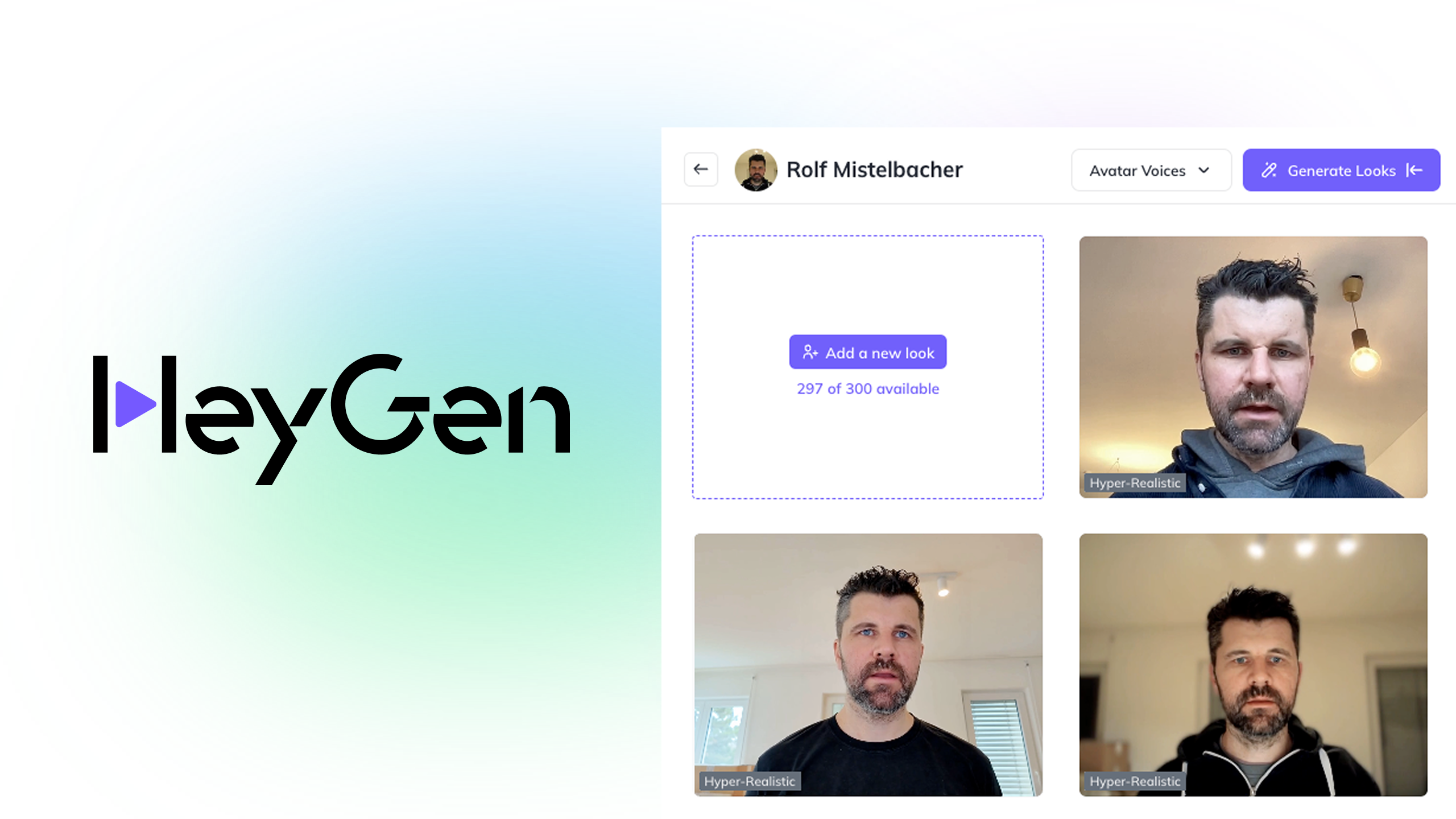
HeyGen is the most natural one-for-one swap if you came to Akool for avatar videos and multilingual content. It pairs a large stock avatar library with custom digital twins, lip-synced translation across 175-plus languages, and interactive video agents that answer viewers in real time.
Edge over Akool: The studio is faster to learn and the credit value is easier to read, so you spend less time fighting the interface. Where Akool gates serious output behind opaque credit math, HeyGen's Creator tier allows unlimited videos, and its newest avatars score higher on face similarity in published benchmarks.
Pros
● Easy, fast editor with a 500-plus avatar library and custom digital twins
● Unlimited videos on Creator, plus lip-synced translation in 175-plus languages
● Interactive Video Agent for playback that responds to viewers
● 4K export, SCORM, and SSO on Business for L&D teams
Cons
● No face swap, which is one of Akool's signature tools
● Premium avatar minutes burn credits quickly, and unused credits do not roll over
● Business plus per-seat fees add up for larger teams
Pricing: Free plan covers 3 videos per month with a watermark. Creator is $29 per month ($24 billed annually), Pro starts at $49 per month, and Business is $149 per month plus $20 per extra seat. Enterprise is custom.
2. Synthesia
Synthesia is the pick for regulated organizations and large learning teams that value governance over gimmicks. The editor feels like building slides, which keeps non-technical staff productive, and the avatar roster is deep.
Edge over Akool: Synthesia leads on the things enterprises actually audit, with SOC 2, GDPR, and ISO 42001 compliance, SCORM export, and brand controls that Akool does not foreground. Its self-serve pricing is also more predictable than Akool's credit burn, and the annual entry price is lower.
Pros
● Enterprise-grade compliance and security, plus brand governance
● 230-plus avatars at the top tier, with 9 available free
● Slide-style editor, PowerPoint-to-video, and an AI Playground with Veo and Sora
● 140-plus languages for global content
Cons
● No face swap and no real-time avatar like Akool's Live Camera
● Hard monthly minute caps on self-serve plans
● No middle tier between Starter and Creator, so scaling minutes gets expensive
Pricing: Free plan gives about 3 minutes monthly with a watermark. Starter is $29 per month ($18 billed annually) for around 10 minutes, Creator is $89 per month ($64 billed annually) for around 30 minutes, and Enterprise is custom with unlimited minutes.
Both Heygen and Synthesia are best alternatives and to check which one you should choose, read a detailed Heygen Vs Synthesia Comparison.
3. Vidnoz

Vidnoz is the value champion and the closest match to Akool's consumer-facing toolkit. Alongside avatar videos, it offers face swap, talking photos, voice cloning, and translation, much of which is reachable for free.
Edge over Akool: It does the same core jobs, including face swap and talking photos, at a fraction of the price, and its free tier is far more generous than Akool's one-time 100 credits. Daily free credits with no card make it the cheapest way to test those exact features.
Pros
● Lowest entry price in this list, with genuinely useful daily free credits
● Face swap and talking-photo tools that mirror Akool's consumer side
● 1,900-plus avatars, voice cloning, and translation in 140-plus languages
● 1080p export and no watermark on paid plans
Cons
● Avatar realism is a step below Akool's premium output and 8K face swap
● High-fidelity custom avatars cost extra, around $299 per year
● Lower tiers have tight monthly minute limits
Pricing: Free plan includes roughly 3 minutes of video per day. Starter is $14.99 per month on annual billing (or $26.99 monthly) for about 15 minutes a month, Business is $37.49 per month on annual billing with brand kit and voice clone, and Enterprise is custom.
4. D-ID
D-ID earns its place if your work centers on animating a single still photo or on building avatars into your own product. Its Creative Reality Studio turns photos into talking heads, and its REST API powers real-time, streaming agents.
Edge over Akool: For developers, D-ID's API is better documented and cheaper to start with than Akool's, and it specializes in the photo-to-talking-head workflow. The entry price of $5.99 per month is a tiny fraction of Akool's paid tiers for that single capability.
Pros
● Very low entry price and strong photo-to-talking-head animation
● Well-documented API with real-time streaming and conversational agents
● 119-plus languages for text-to-speech, plus translation in 30-plus languages
● A no-code studio sitting alongside the developer tools
Cons
● Lite plan applies a watermark, so it cannot power professional output
● Commercial rights and the PowerPoint plugin are gated to the $299 Advanced plan
● Low minute caps on entry tiers, and the API expects coding confidence
Pricing: A 14-day free trial covers a few minutes. Lite is $5.99 per month, the Pro tier sits around $49 per month, and Advanced is $299 per month with commercial rights and full API access. Enterprise is custom, and annual billing saves roughly 20 percent.
5. Creatify
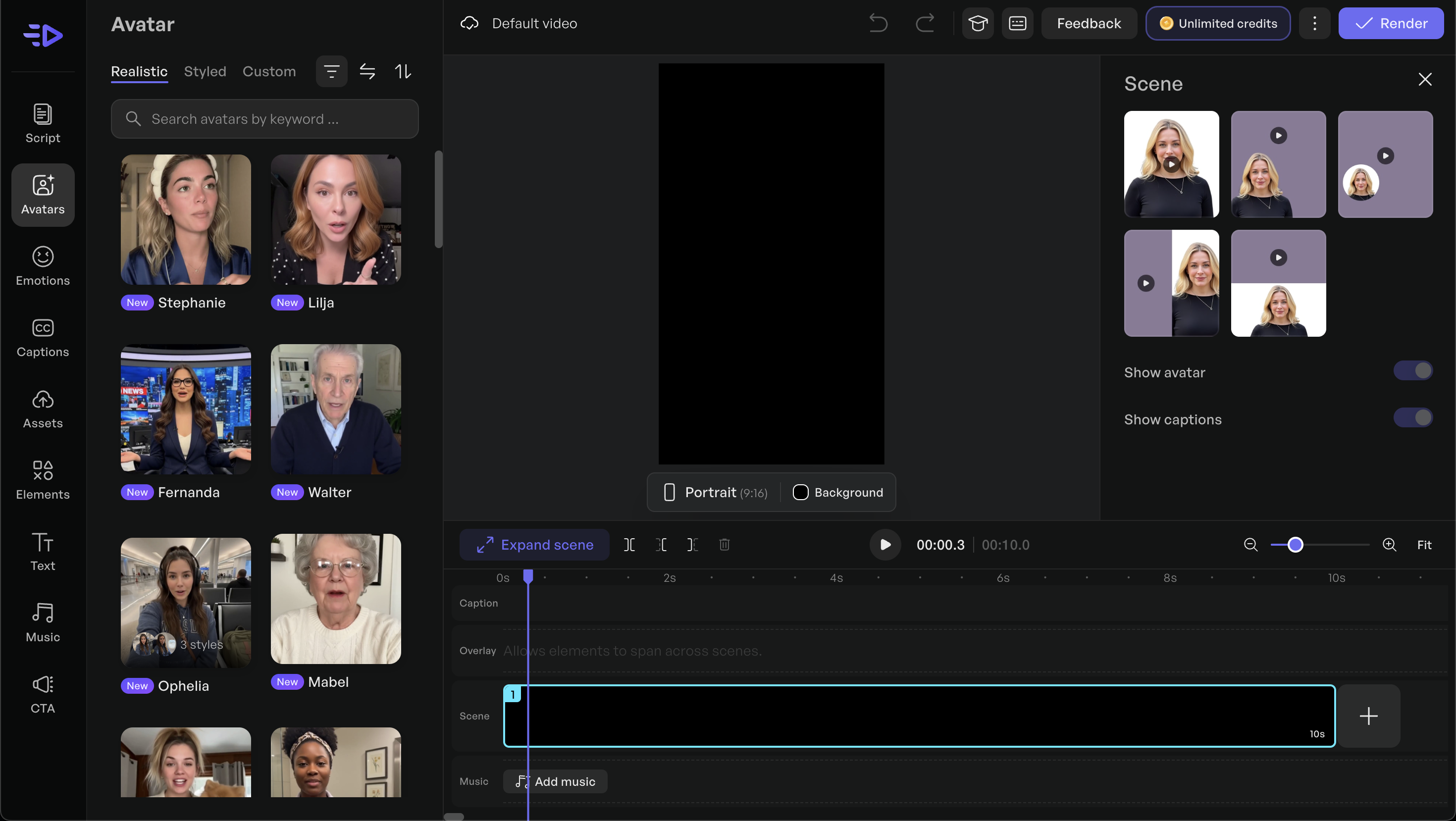
Creatify is purpose-built for the one job Akool is not designed around: high-volume, UGC-style video ads for performance marketing. It turns a product URL into a short ad and writes the script automatically.
Edge over Akool: This is the clearest case of a tool beating Akool by specialization. Akool is a general suite that is not built for e-commerce ads, while Creatify offers URL-to-video, batch ad variations, and AdMax, a layer that surfaces competitor ads so you can find angles before spending credits.
Pros
● Product URL-to-video plus auto-generated scripts, ideal for fast ad output
● Batch mode for spinning out many variations at once
● Up to 1,500 avatars on Pro, with multilingual voiceovers
● AdMax competitor ad tracking on the Pro tier
Cons
● Credits do not roll over and cost 2 to 20 each, so spend is hard to predict
● Users report occasional lip-sync glitches
● Scope is narrow, focused on ads rather than Akool's broader toolkit
Pricing: Free plan with limited credits. Paid plans start around $33 per month (billed annually) for 100 credits, with the Pro tier near $49 per month for more credits and avatars. Enterprise is custom.
6. DeepBrain AI Studios

DeepBrain AI, marketed as AI Studios, is the choice when presenter realism and language coverage matter most, for corporate reports, news-style explainers, or product walkthroughs.
Edge over Akool: Its avatars read as more lifelike for straight-to-camera presenting, and it imports PowerPoint and PDF files directly, so existing decks become narrated videos with little rework. The Personal tier at $24 per month also undercuts Akool for comparable avatar work.
Pros
● Lifelike stock and custom avatars with natural gesture control
● Direct PPT and PDF import, plus multi-avatar scenes
● Broad language support and 4K export on the Team tier
● Affordable Personal tier with unlimited videos up to 30 minutes
Cons
● Thin built-in editor, so heavy post-production means exporting elsewhere
● No face swap or live camera, and fewer creative tools than Akool
● Custom avatars carry extra costs
Pricing: Free plan allows 3 videos per month, up to 3 minutes each at 720p. Personal is $24 per month at 1080p, Team is $55 per month per seat with 4K and premium avatars, and Enterprise is custom. Annual billing saves about 20 percent.
7. Colossyan

Colossyan is the specialist for workplace learning, and it goes further than Akool on interactivity, supporting branching scenarios, quizzes, a two-avatar conversation mode, and SCORM export.
Edge over Akool: Akool focuses on creative and marketing output, while Colossyan is built for training delivery. Its interactive branching, quiz logic, and LMS-ready SCORM export are features Akool simply does not target, and the Starter tier is cheaper.
Pros
● Interactive branching, quizzes, and multi-actor conversation scenes
● SCORM export for direct delivery into learning management systems
● 70-plus languages and instant custom avatars on active plans
● Affordable Starter tier for solo trainers
Cons
● Tight monthly minute cap on the Starter plan
● Studio-grade green-screen avatars are an add-on at roughly $1,000 per year
● Narrow focus on training rather than Akool's wider use cases
Pricing: Free trial offers a few minutes of video. Starter is $19 per month on annual billing (or $27 monthly) for around 15 minutes a month, Business is $70 per month on annual billing (or $88 monthly) with unlimited minutes and team features, and Enterprise is custom.
8. Tavus
Tavus is the answer if what you valued in Akool was the real-time, streaming avatar. It is a developer-first platform for conversational video, building AI humans that see, hear, and respond live through an API.
Edge over Akool: Tavus pushes real-time conversation further than Akool's Live Camera, adding vision, intelligent turn-taking, persistent memory, and a knowledge base. Replicas train from as little as a one-minute clip or a single image, and the white-labeled API is built for embedding into your own product.
Pros
● Best-in-class real-time conversational video with vision and turn-taking
● Custom replicas from a short video or one image, plus a stock library
● White-labeled APIs, knowledge base (RAG), and persistent memory
● Free tier with 25 minutes of conversational video to test
Cons
● Developer-first, so it is not suited to non-coders the way Akool's no-code suite is
● Usage-based billing means costs scale fast with active conversations
● Overkill for simple talking-head clips, and the jump to Growth is steep
Pricing: Basic is free with 25 minutes of conversational video plus 5 minutes of generation. Starter is $59 per month with 100 conversation minutes and pay-as-you-go beyond that, Growth is $397 per month with 1,250 minutes, and Enterprise is custom. Annual billing saves 20 percent.
The verdict
For most people leaving Akool, HeyGen is the safest landing spot: it matches the avatar-plus-translation core, with a friendlier studio and stronger output. If budget is the deciding factor, Vidnoz delivers the widest free tier and the cheapest face-swap and talking-photo tools anywhere. Enterprises with audit requirements should shortlist Synthesia, while performance marketers churning out ads will get more from Creatify. Pick DeepBrain AI Studios when presenter realism is non-negotiable, Colossyan when training needs interactivity and SCORM, D-ID when you want to animate photos or build avatars through an API, and Tavus when the goal is a live, conversational AI human rather than a pre-rendered clip. Match the tool to the single job you care about, and any of these will outperform paying for a suite you only half use.
Comments